Receive Request
When a port call request is received, the agent has two main options depending on whether more information is needed or they're ready to proceed.
Review the request
The agent will review the details provided in the request. If clarification or additional information is needed, both parties can use the built-in chat to communicate, or connect through their preferred channel. The agent can also update the request status to indicate they're waiting for more information.
Create or connect a Port call
Once the agent has all the necessary information, they can choose one of the following options:
Create a new Port call from the request
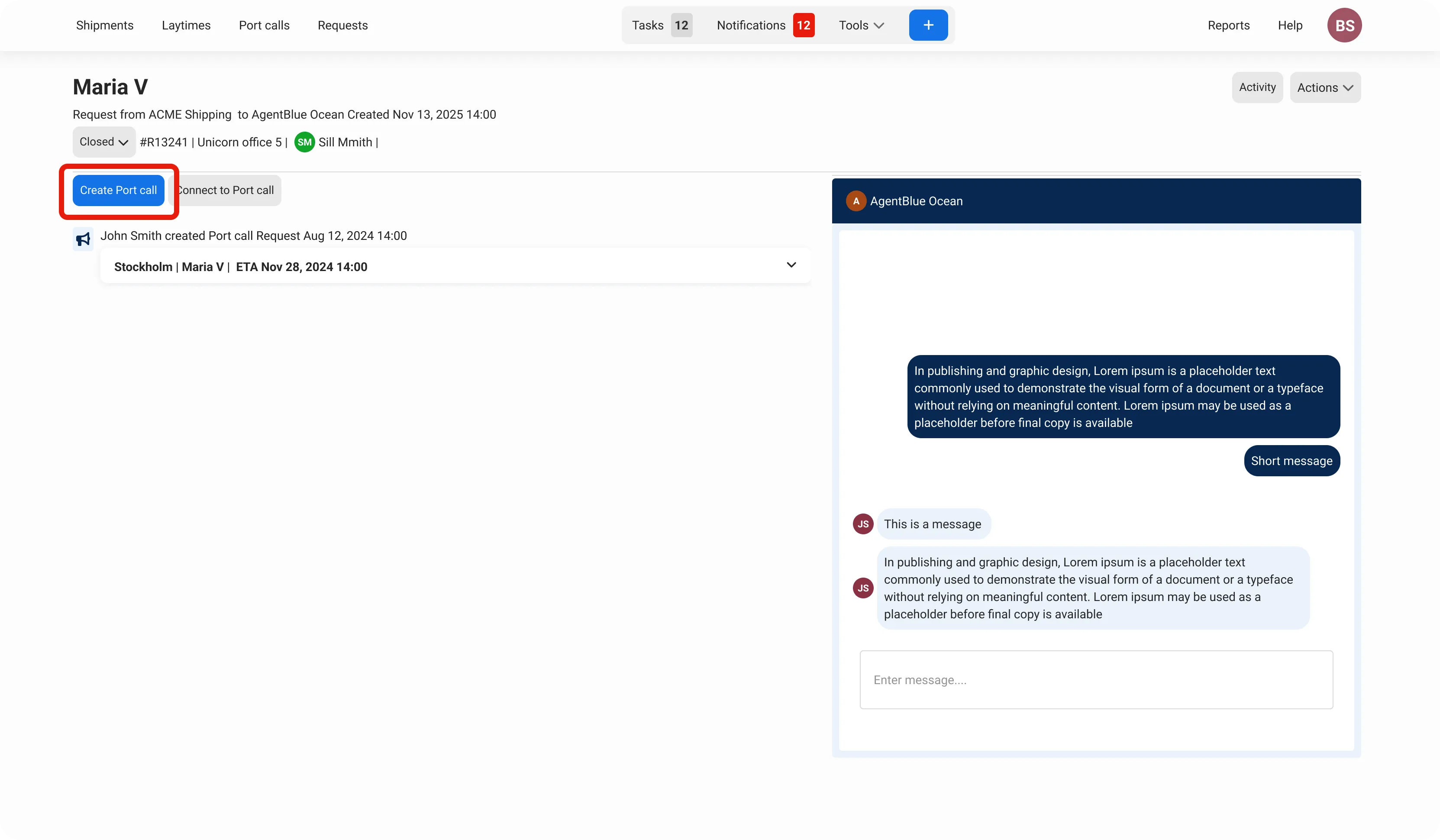
The system automatically copies all available information from the request into the Create Port call form, streamlining the setup process.
Click Create Port call
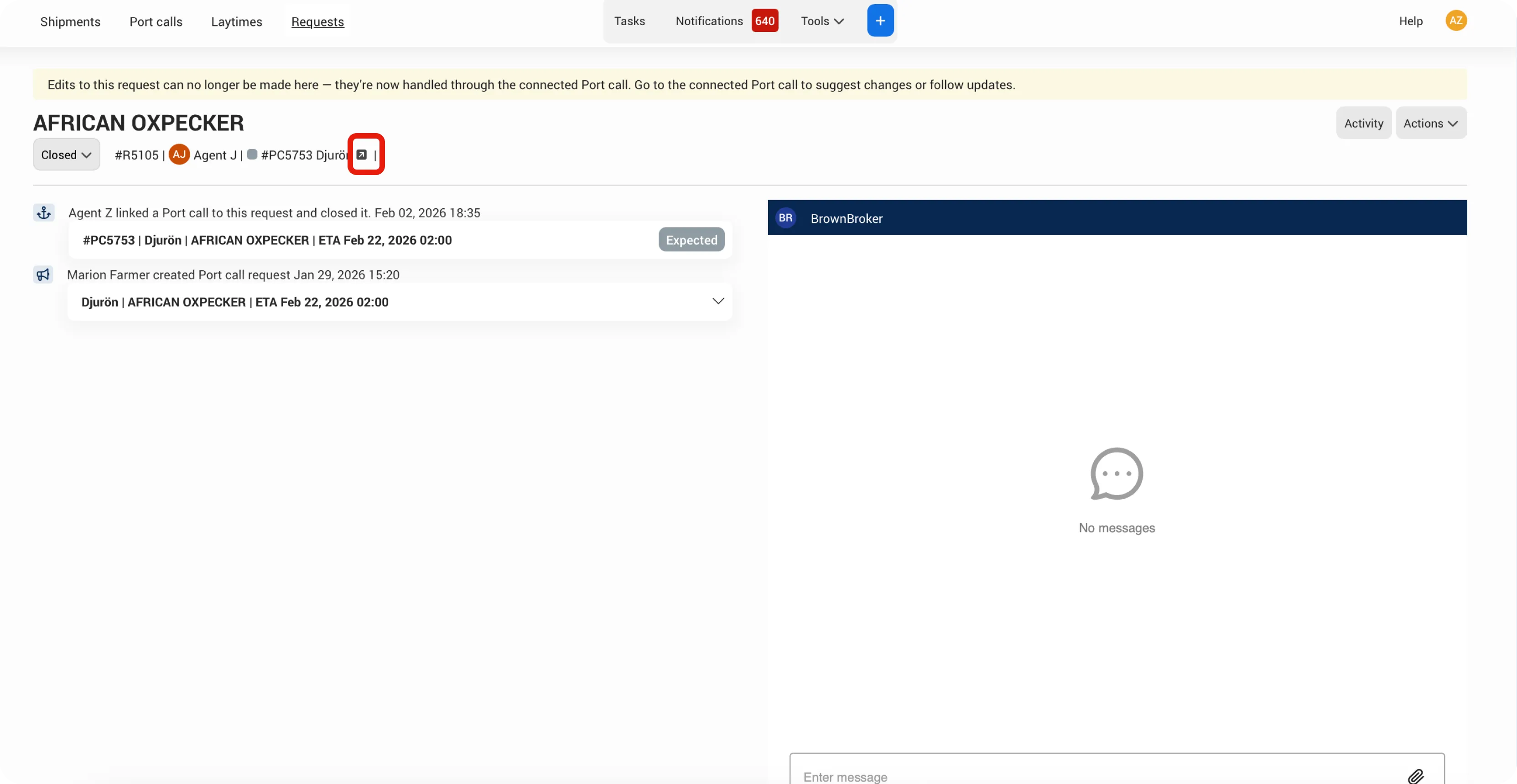
The Port call has been created. Click the icon to navigate to the connected Port call.
Connect to an existing Port call
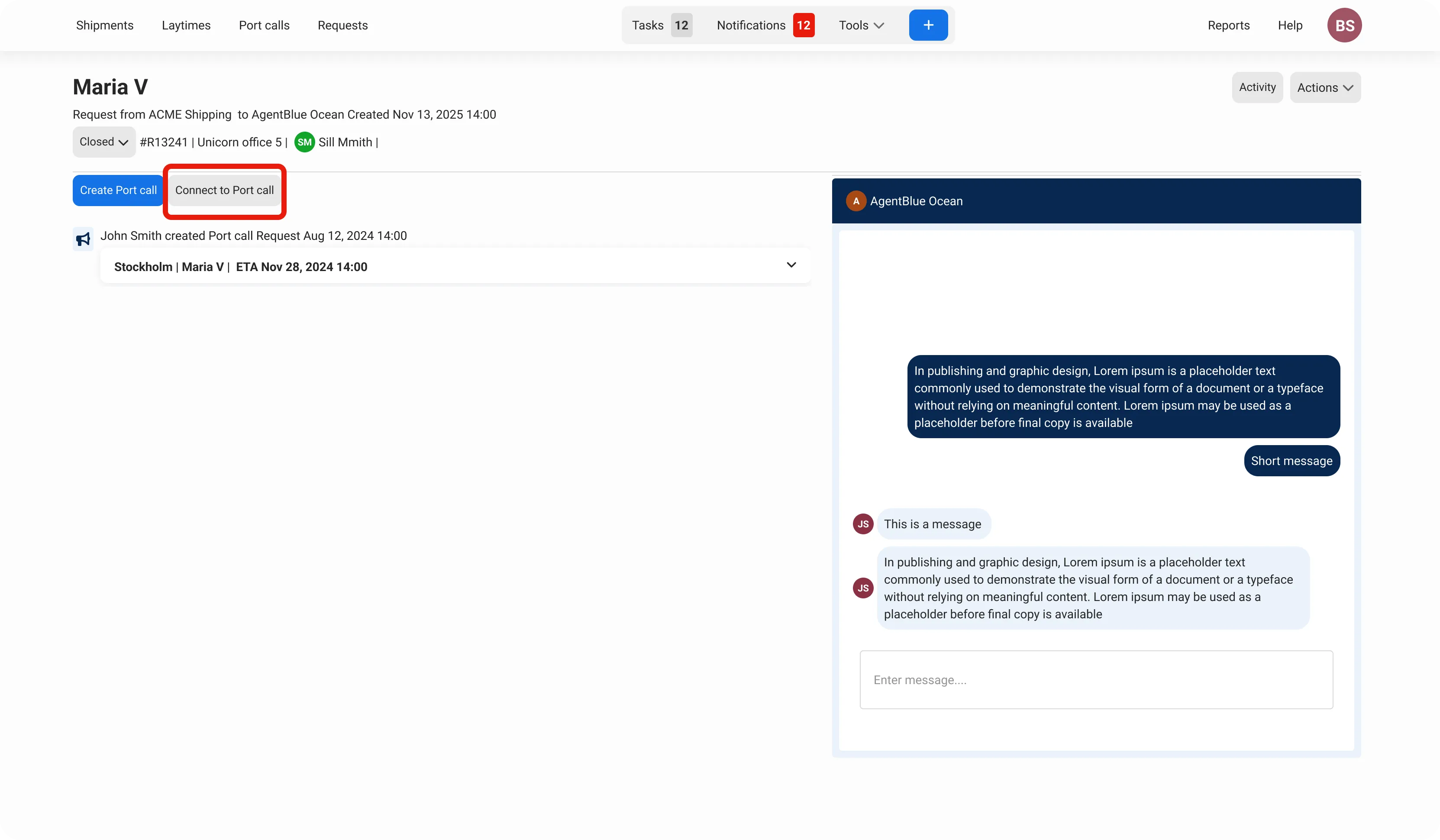
If a Port call already exists for the vessel visit, the agent can link the request to it instead.
Click Connect to Port call
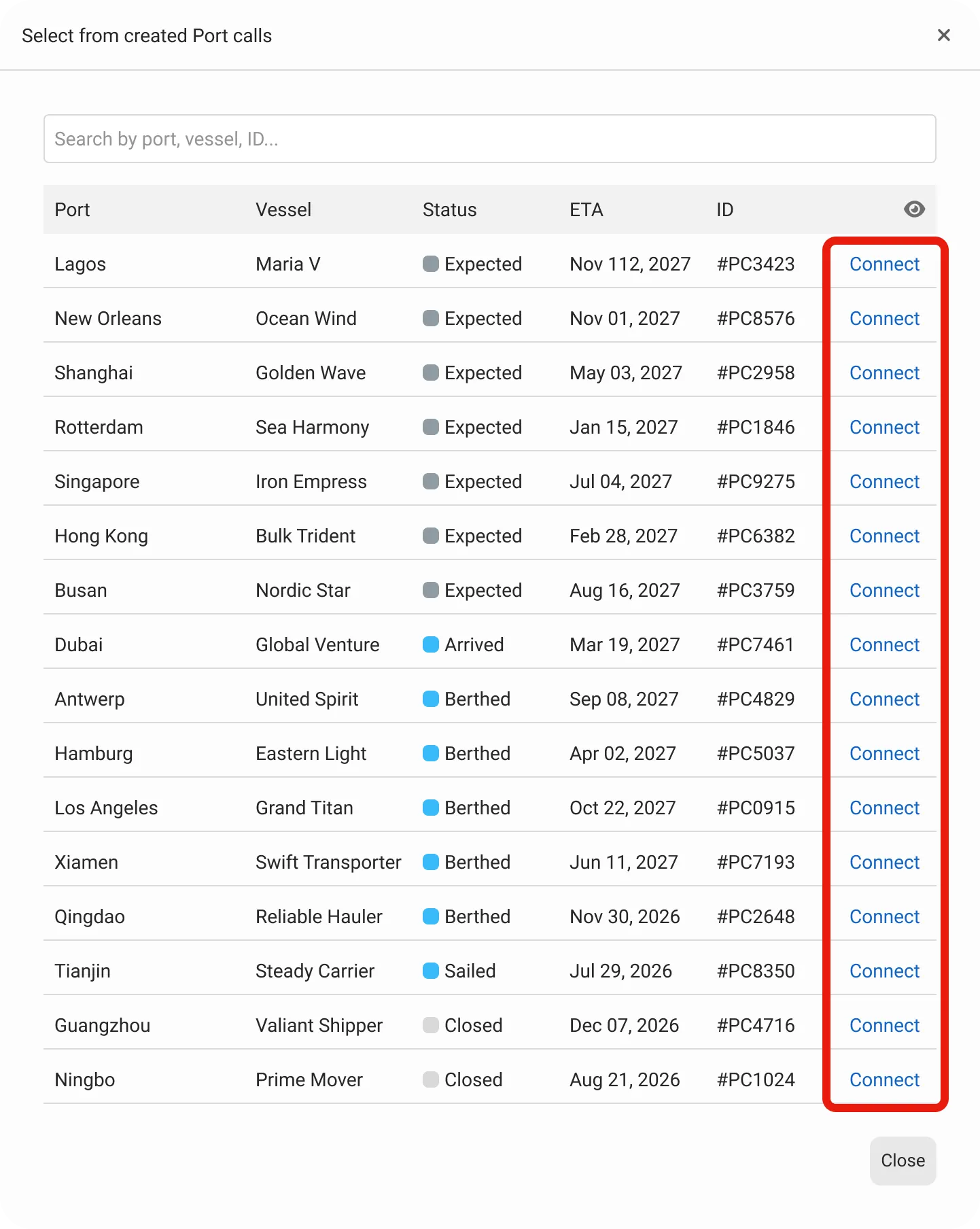
Click the Connect button for the Port call that the request should be connected to. You can search by vessel name or port to find the right Port call.
Note: When connecting to an existing Port call, no data is copied from the request.
Important!
When a Port call is created or connected to a request, the company that created the request will automatically receive access to the Port call.
The Port call has been created. Click the icon to navigate to the connected Port call.
Disconnect a Port call from the Request
A Port call can be disconnected from a request at any time. To do this, go to the request page, open the Actions menu, and select Unlink Port call.
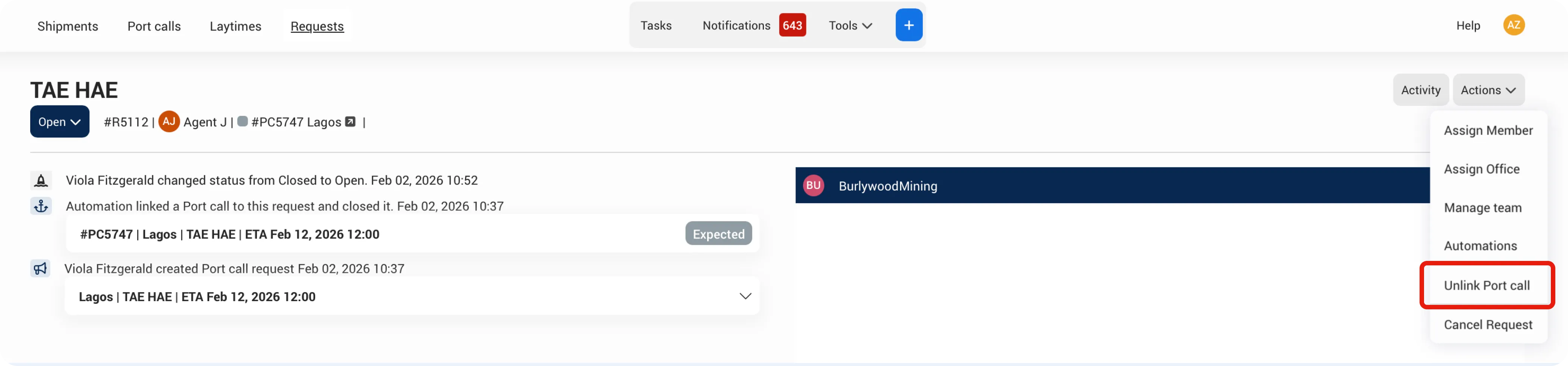
When you disconnect a request from a Port call, the system only removes the link between them - it does not delete the Port call or remove access for the company that created the request.
It is the agent's responsibility to delete the Port call if it's no longer relevant, or to manually remove access for the other company if needed.
Have questions about editing requests, changing status, or what happens after a port call is connected?