Overviews
4 min
Overviews let you see your most important data at a glance, so you can scan, search, filter, and find the right Port Call in seconds. You can personalize your Overviews by saving filters and creating custom views. All personalizations are unique to each user, so everyone can organize data in the way that works best for them.
Types of Overviews
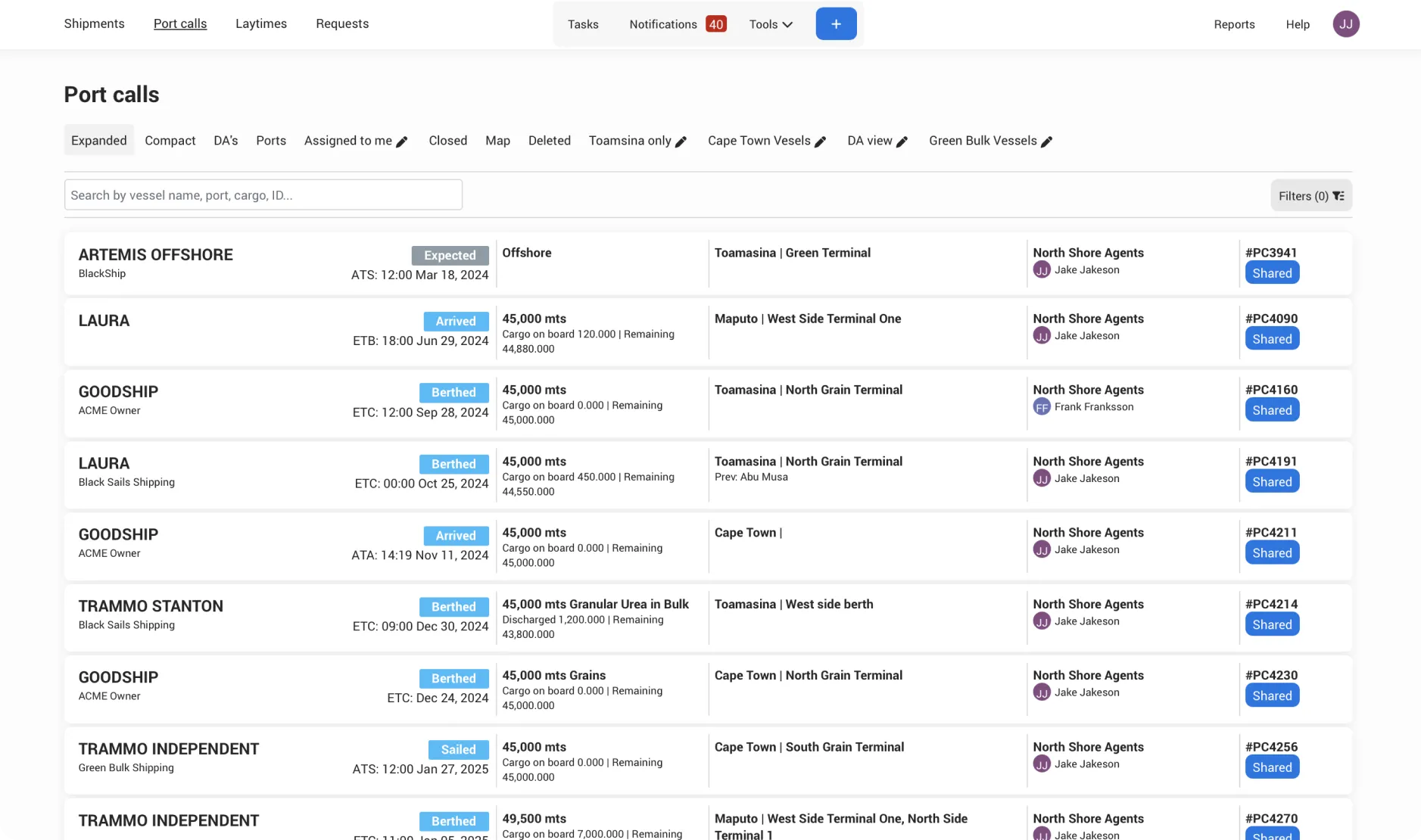
View information in a table format. Turn columns on or off, rearrange, and resize them to match your needs. This is perfect if you need a detailed, customized view and want to monitor a larger set of Port calls.
Custom Views
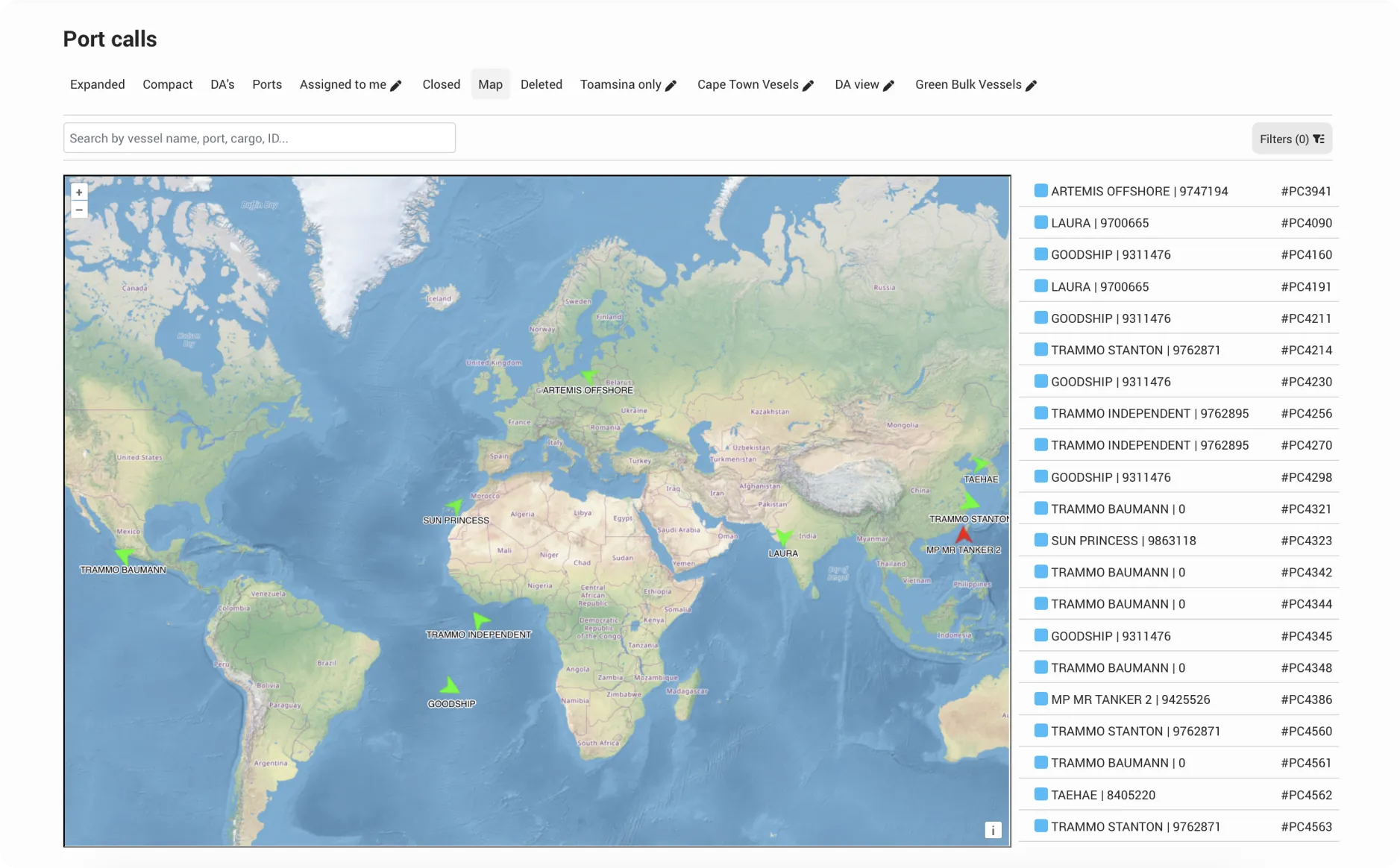
Click on the overview you want to start from: Expanded, Compact or Map.
Select the filters you want to apply to your new view
Click Save as new view
Name the tab and Save