Master data
Tools -> Master data
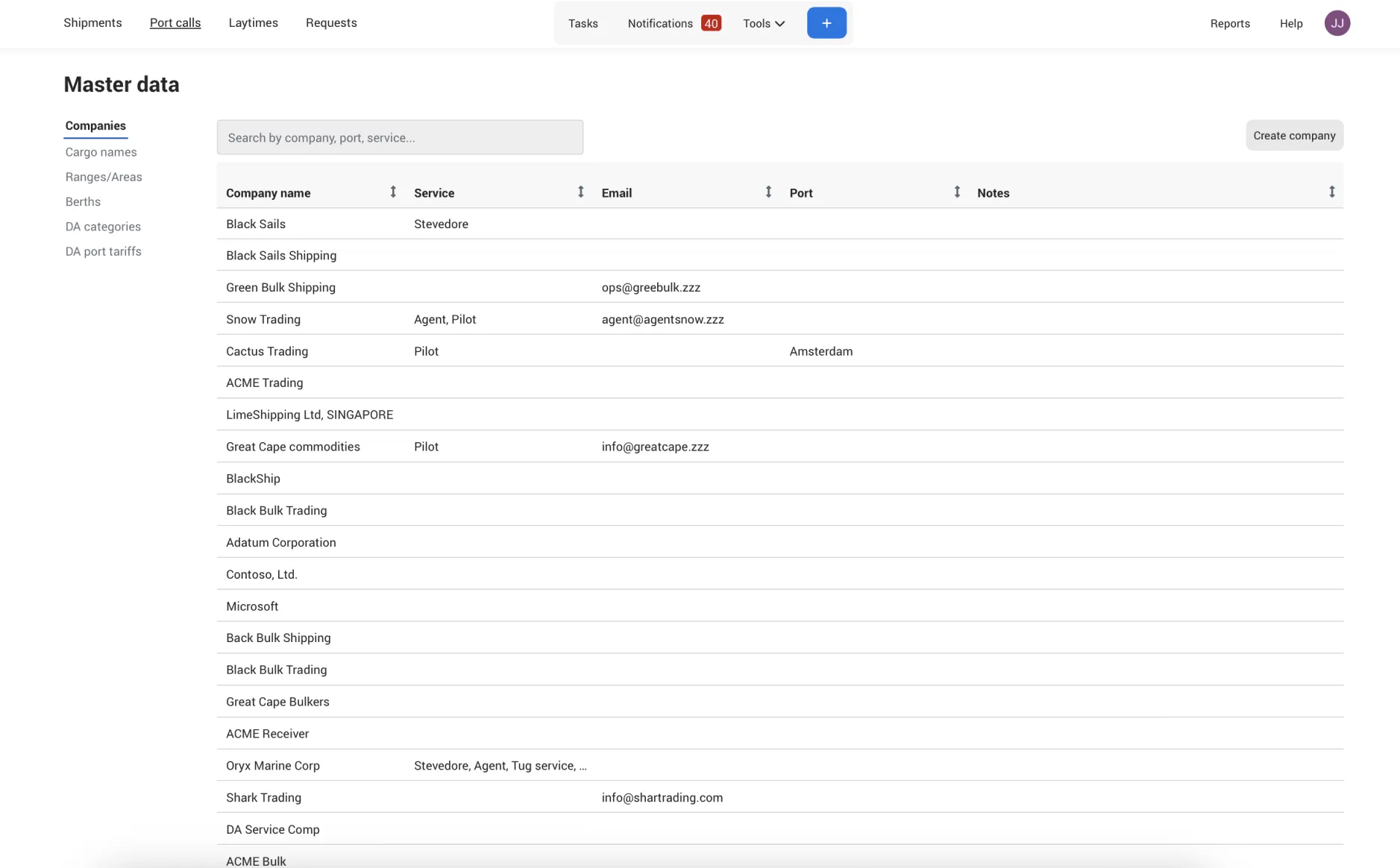
Master Data helps keep your information consistent and organized. Here you can save reusable details like cargo names, berth or terminal names, company names, DA categories, and port tariffs. By reusing the same data, you avoid spelling variations and keep your reports clearer and more reliable.
How to Add/Edit and Delete Master data?
Only users with the Create Master Data role can add, edit, or delete Master Data. This ensures full control over who can make changes — you can grant this permission to everyone in your team or just a few users.
Once Master Data is added, it will appear as an option in any field that uses it, making it easy to select and reuse consistent information.
Navigate to Tools -> Master data
Select the tab of which data you want to add
Create